
Description
An "Eye diagram" calculation is used to display the behavior of a data set over a specific
period of time. By superimposing the curve intervals (one interval per period),
a visual analysis of the variation of a signal is therefore immediate.
The main sought characteristics are the variation in periodicity and the jitter in intensity.
There are two possibilities for the calculation reference :
-
Use of a reference signal whose transition through a predefined level (threshold) is used.
It is currently not implemented, but is without difficulty.
-
The window characteristics are determined by the following parameters :
- Start of the period
- End of period
- Periode
- Number of segments over the period
- Note : Imposing a number of segments allows for regular sampling, thus facilitating comparisons. Points xn,yn are systematically recalculated.
Example
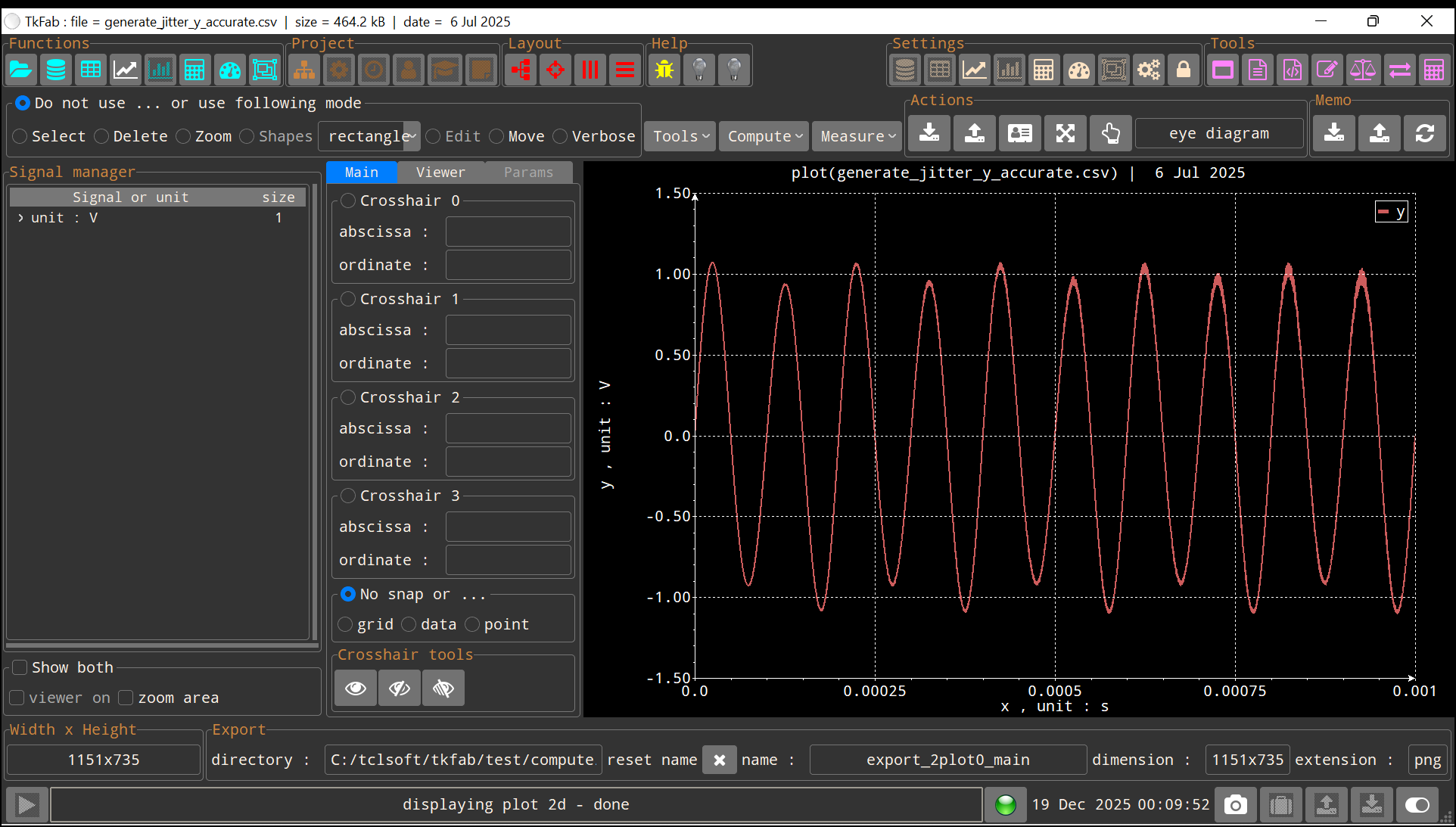
|
| Data set for "Eye Diagram" function |
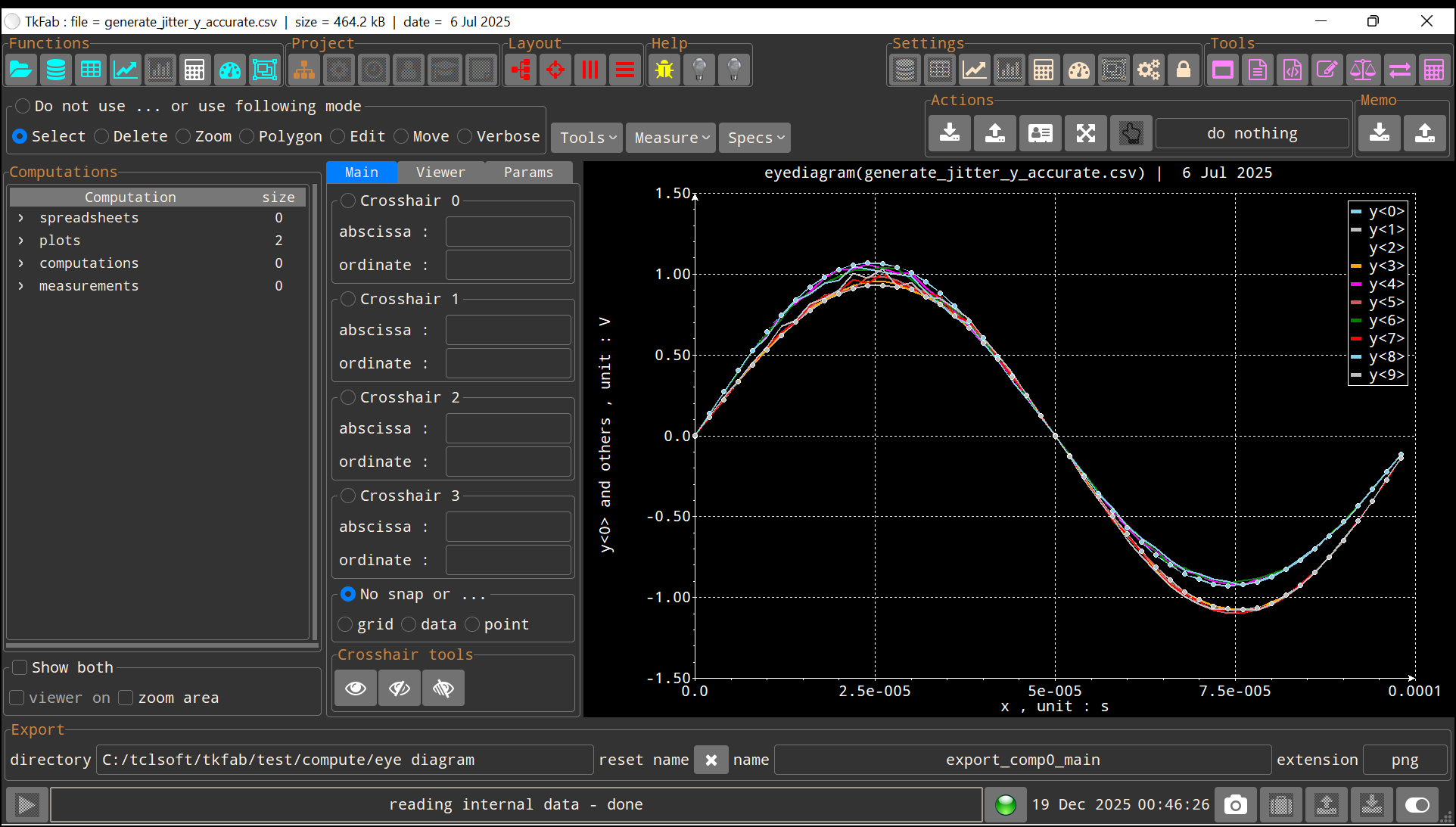
|
| "Eye Diagram" result |