Introduction
Previously TkFab was proposed in two products, but after some usage, the two functions were grouped together: Csv spreadsheet and Plot 2D. The current development therefore consists of :
- Synchronize or desynchronize data in spreadsheet or waveform aspect.
- Merge functionalities, mainly measurements and computations.
- Manage options and parameters in order to save the state of the environment and enable its management in projects.
- Note : Tests and development are done by applying TkFab to data from calculations and examples, which is not very fast, but allows the use of a whole range of situations close to beta testers.
Application changes
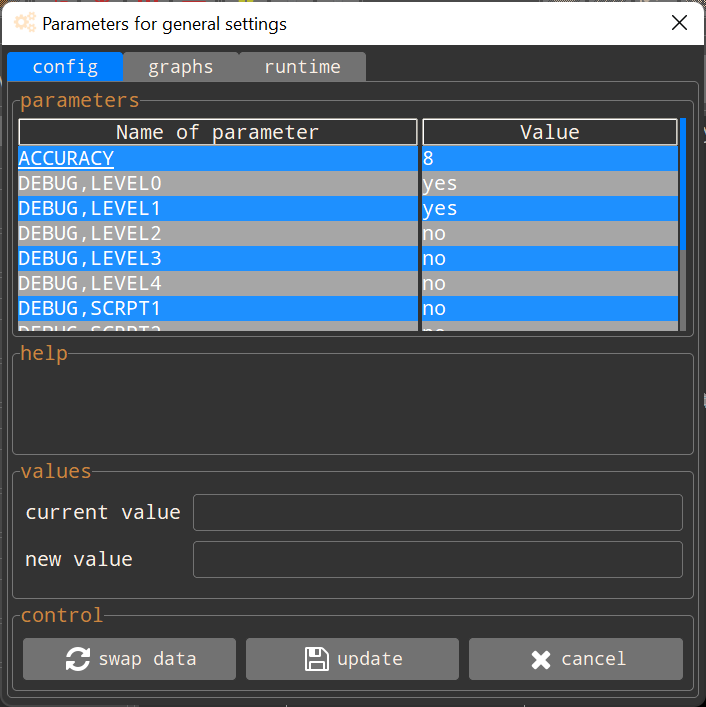
The number of parameter families for the application has been reduced to three :
Features changes
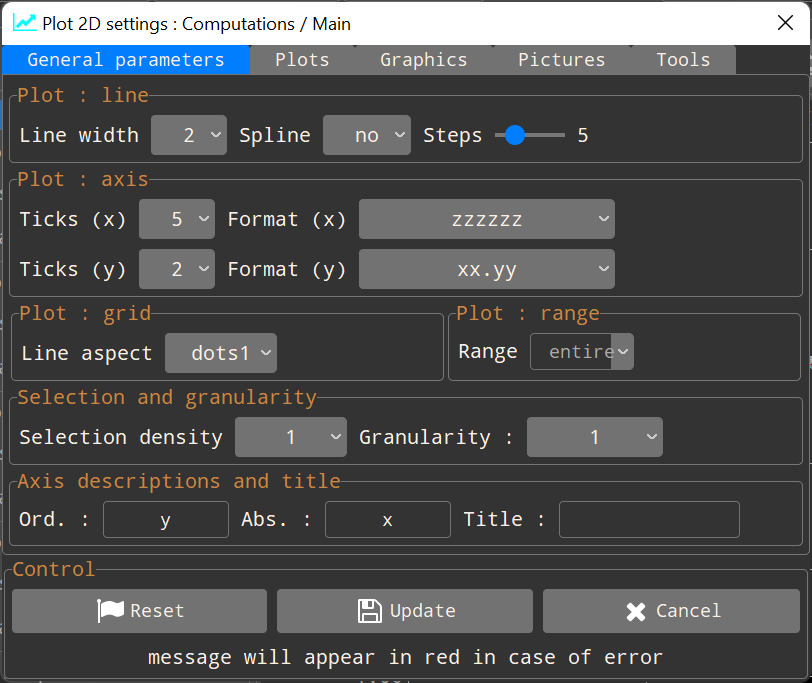
The settings for each visualization type have been separated and are in a clean window. Below, as an example, the window dedicated to 2D plots parameters :
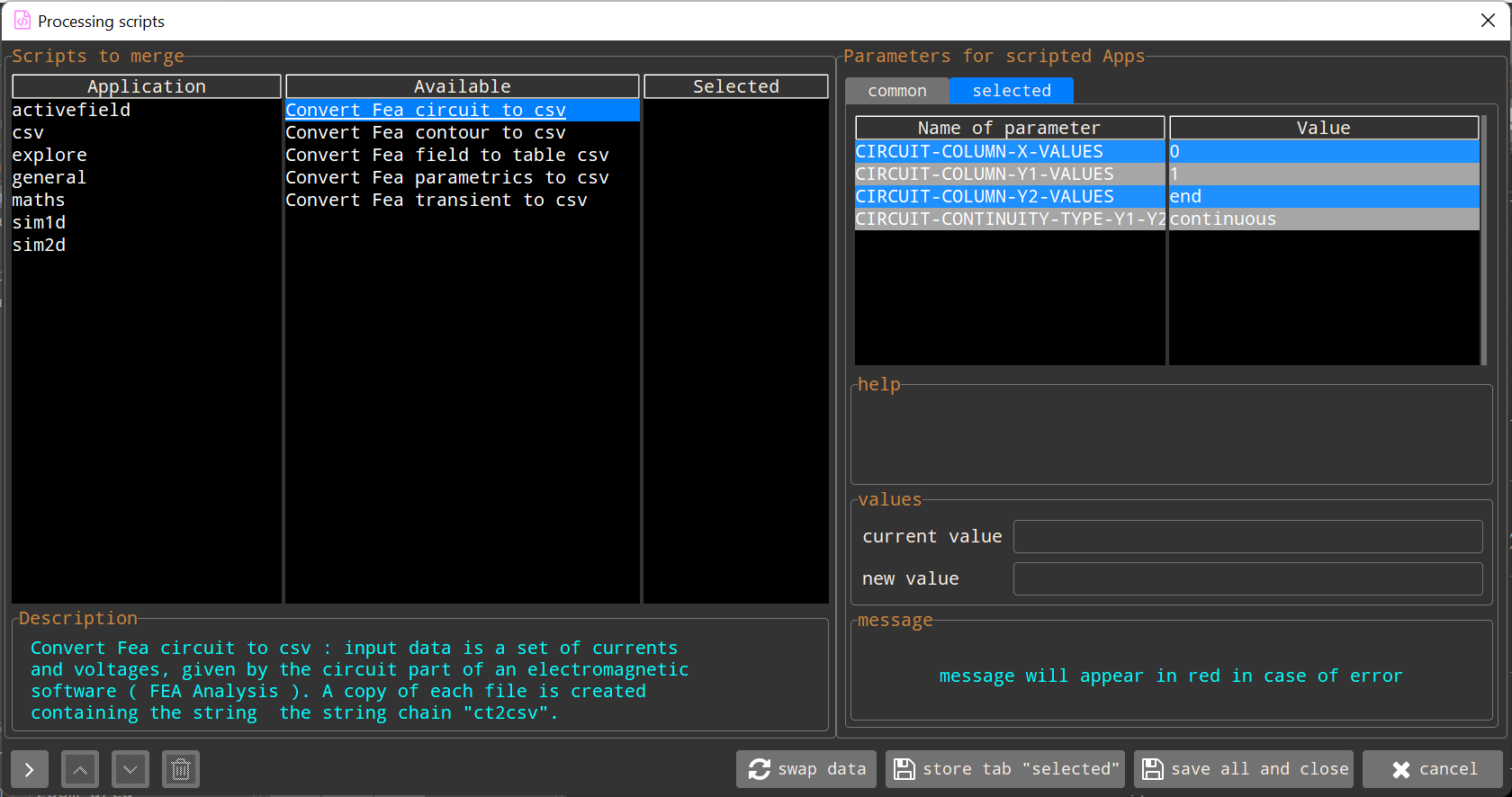
The internal script settings have been grouped and are all selectable in as in a queue. For greater ease, script functions have been also grouped into types :
- activefield : automation features for QuickField.
- csv : spreadsheet processing functions.
- explore : data extraction functions.
- general : input/output functions.
- maths : purely mathematical functions.
- sim1d : conversions for 1D simulators.
- sim2d : conversions for 2D simulators.
Visualization
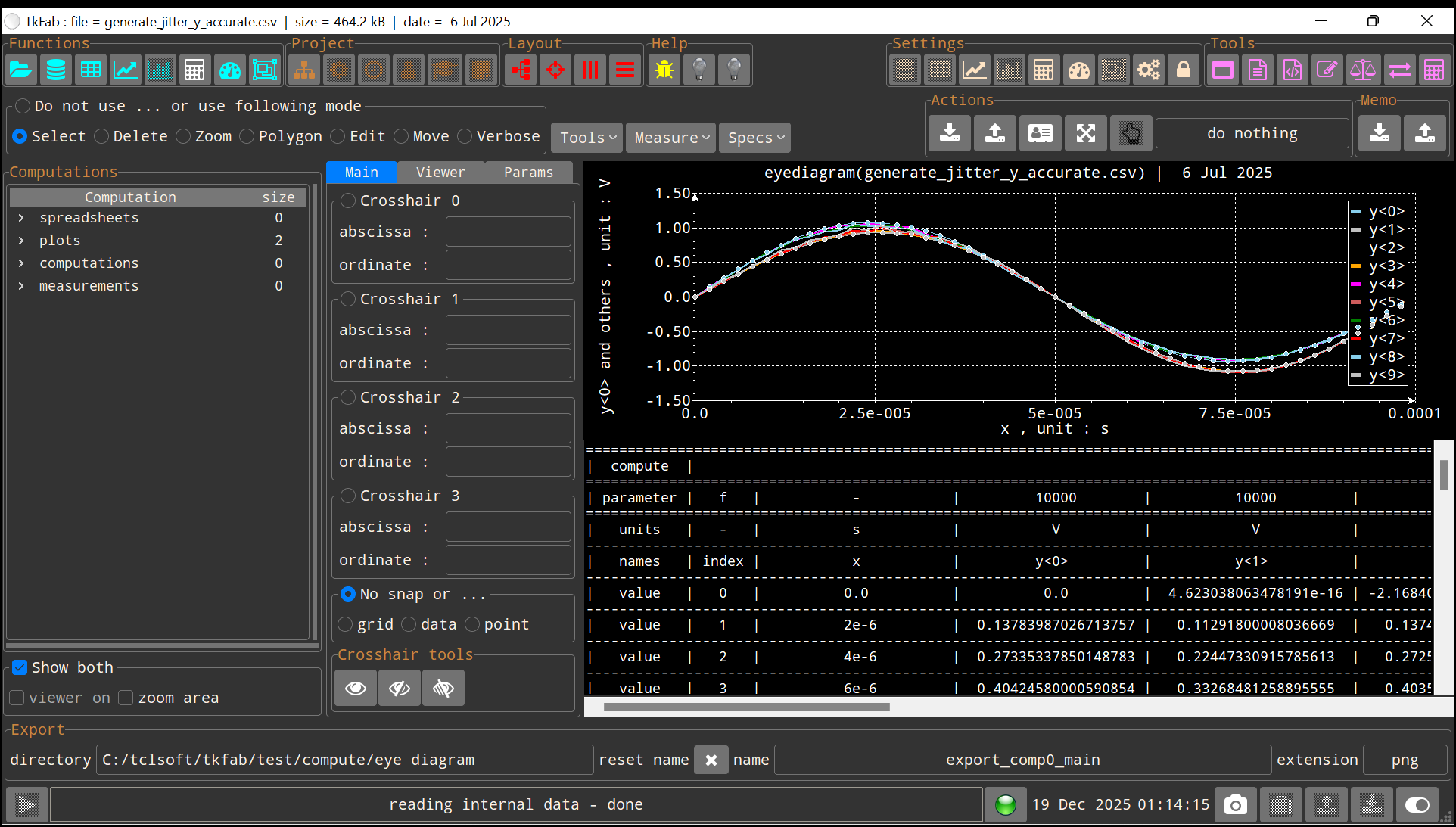
Data are simultaneously visible in the form of texts (tables) and graphs (2D plots). Inhibiting synchronism (i.e. when a modification occurs on both aspects at the same time) is not possible during input reading. Calculations or measurements always remain independent.